How to Get a Virtual Dollar Card in Nigeria Easily, Pay For All Your Online Transactions
When it comes to the internet, online shopping is unavoidable. You'll also need a valid Mastercard to have a great online buying experience.
Regrettably, the Nigerian bank has limited overseas spending on all naira master cards to a maximum of $20. This isn't the first time that Nigerian banks have temporarily restricted the use of the Naira Master Card on international websites. Until September 2020, all naira master cards had a monthly spending limit of $100, and now all naira cards have a monthly spending restriction of $20, with the exception of a few banks, which have a $50 spending limit.
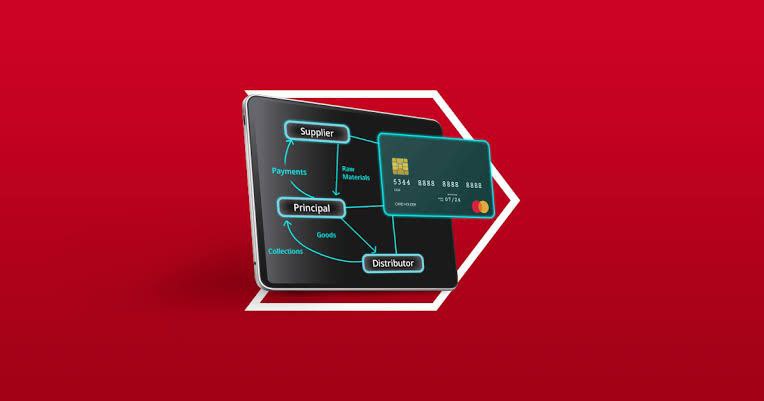
However, in this article, we'll explain how to make virtual dollar cards in five simple steps. All you have to do is follow the simple instructions.
What is a "Virtual Dollar Card" and how does it work?
A Virtual Dollar Card is a dollar-denominated debit card that is not physically present (thus the term "virtual"). These debit cards are mostly used for internet purchases. Not for anything that requires physical handling, such as cash withdrawal.
The virtual card's details, which will be needed to make online payments, will most likely be discovered on the site that was used to create it. The card may be used to pay for services such as Netflix, Facebook ads, and so on.
However, we covered the following topics in-depth:
1. Flutterwave's barter

Barter is a flutterwave tool that allows you to send and receive money globally. Creating your virtual card takes only 5 minutes.
How to Make a Barter Virtual Dollar Card
To begin, go to the Google Playstore or the iOS store and download Flutterwave's Barter.
After you've completed the KYC and identification verification process, you can "add money" to your Barter account by using your debit card or a bank transfer.
—Select "Create a new card" from the drop-down menu.
You can either make a multifunctional card (one that can be used for all of your online purchases and payments) or a personalized card that can only be used for certain purposes on specific platforms (e.g., a Netflix card or an ASOS card).
Continue by entering the amount you'd want to put on your dollar card.
2. Wema's ALAT

WEMA bank's ALAT by Wema is a digital banking service that was established in 2017. This bank makes it simple to obtain a virtual dollar card.
How to Get an ALAT Virtual Dollar Card
-Create an account if you don't have one.
Use your mobile or computer browser to access your account.
-Select Card from the main menu.
-Select "ALAT Dollar Card" from the drop-down menu.
"Create a New Card" is a command that allows you to make a new card.
To continue, fill in all the needed information.
Regular card details (your card name, card number, expiration date, and three-digit CVV code) are saved on your app with the virtual dollar card. You will be able to access these facts whenever you require them.
3. Eyowo Dollar Card (Virtual)
All you have to do to make a safe online payment with an Eyowo dollar card is download the eyowo mobile app or login to their web portals.
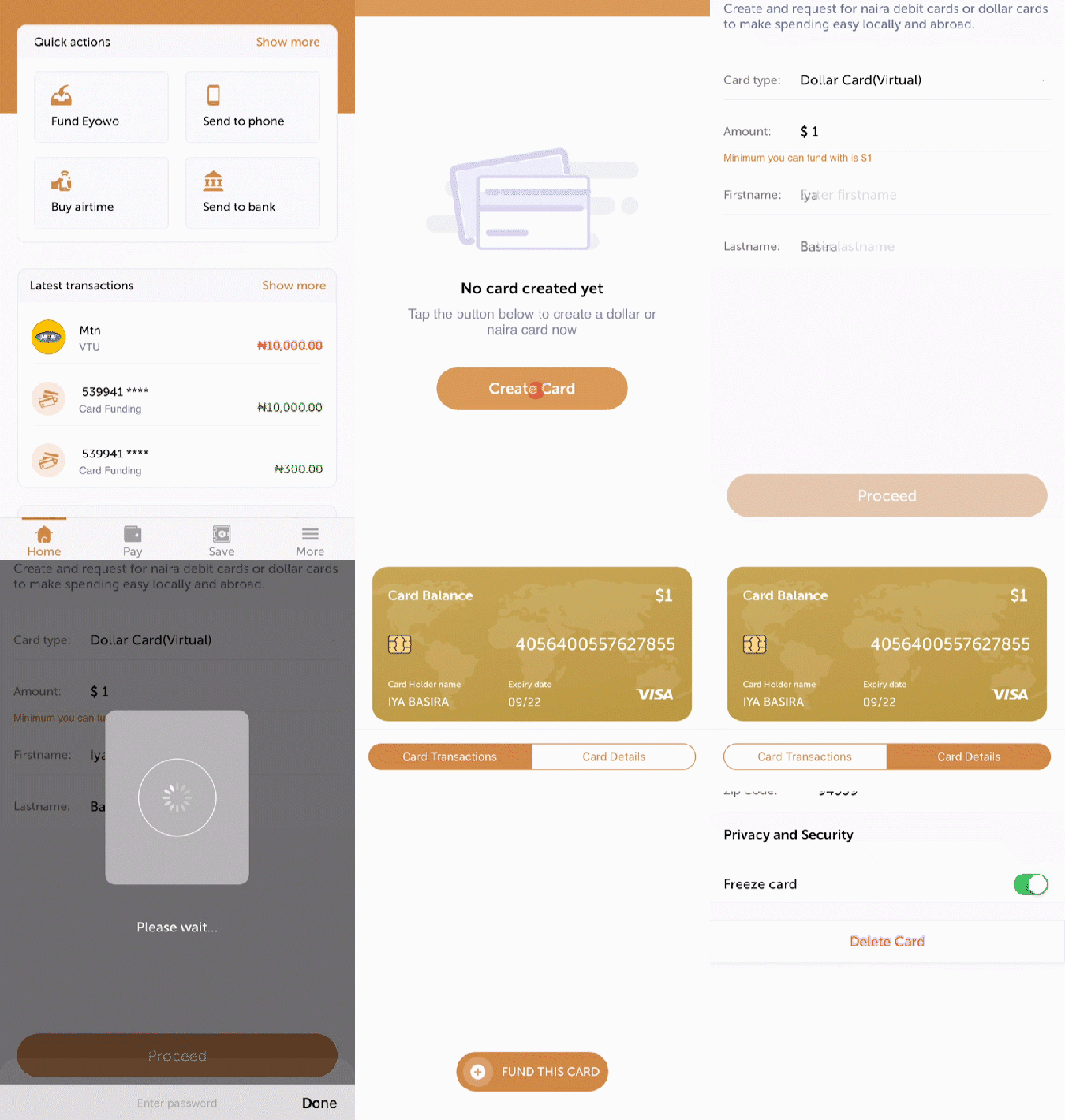
Once you've logged in to the Eyowo mobile app, you can do the following:
From the home screen, select More.
Eyowo Cards can be tapped.
At the bottom of the screen, tap the "Create Card" button.
You must first fund the card before you can use it for online purchases.
4. Spectro Card
SpectroCard is a prepaid MasterCard platform that is virtual. Users can construct virtual MasterCard cards, including dollar cards, with them.
How to Get a SpectroCard Virtual Dollar Card
-Sign up for a SpectroCard account.
Send yourself an email to confirm your account.
-Make sure your information is up-to-date in your account.
Make a deposit into your account.
Make a card.
5. Wallet
Wallet is a digital financial platform that is based on your phone number. You can use your account to send money inside Nigeria, Ghana, and Kenya, as well as to purchase airtime and data and pay bills.
How to Make Virtual Wallet Cards
-Create an account using the Wallet Mobile App.
-Go to your Wallet app and sign in.
You can add money to your wallet with a credit card, a bank account, or a bank transfer.
On your dashboard, go to "Dollar Card."
Make a $10 deposit on your dollar card.
NB: There is a $5 one-time fee for creating a Wallet dollar card. The smallest amount you can put on your dollar card is $10.
Other companies provide the option of generating a virtual dollar card, but the above method allows you to pay for anything online without any restrictions.
Read it carefully, and register for an account. Leave your thoughts in the comments area.


Post a Comment