The Best Way To Block Spam On Google Drive 2022
Ugh, spam! Who else does this annoy? If you find yourself in a situation where your Google Drive is always being filled with spam, don’t worry as we’ve got options for you. Keep reading as we’ll show you how to block spam in Google Drive so your online storage can be junk free.
How To Block Spam In Google Drive On Web
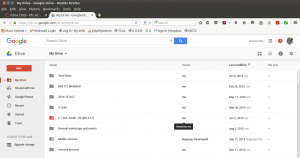
- Step 1: First thing to do is Open “drive.google.com” on your web browser.
- Step 2: Next, right-click on the file that you want to block.
- Step 3: Then, Click on Block (you’ll see the sender’s email address) from the menu shown.
How To Block Spam In Google Drive On Your Phone
- Step 1: Open the Google Drive app on your phone.
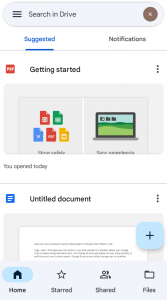
- Step 2: Tap on the 3 dot icon for the file you want to block
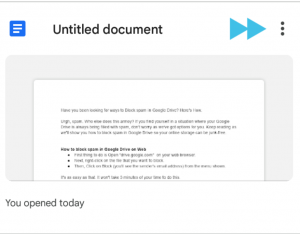
- Step 3: From the menu that pops up, tap on Block.
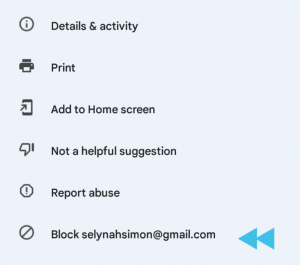
This makes it quick and easy to get rid of spam anywhere you are just as long as you’ve got internet on your phone.
Join Other Friends On Our Fast Growing Telegram Channel To Get Latest Tech News And Updates Via The Link Below


Post a Comment